What Are Passkeys in Digital Security
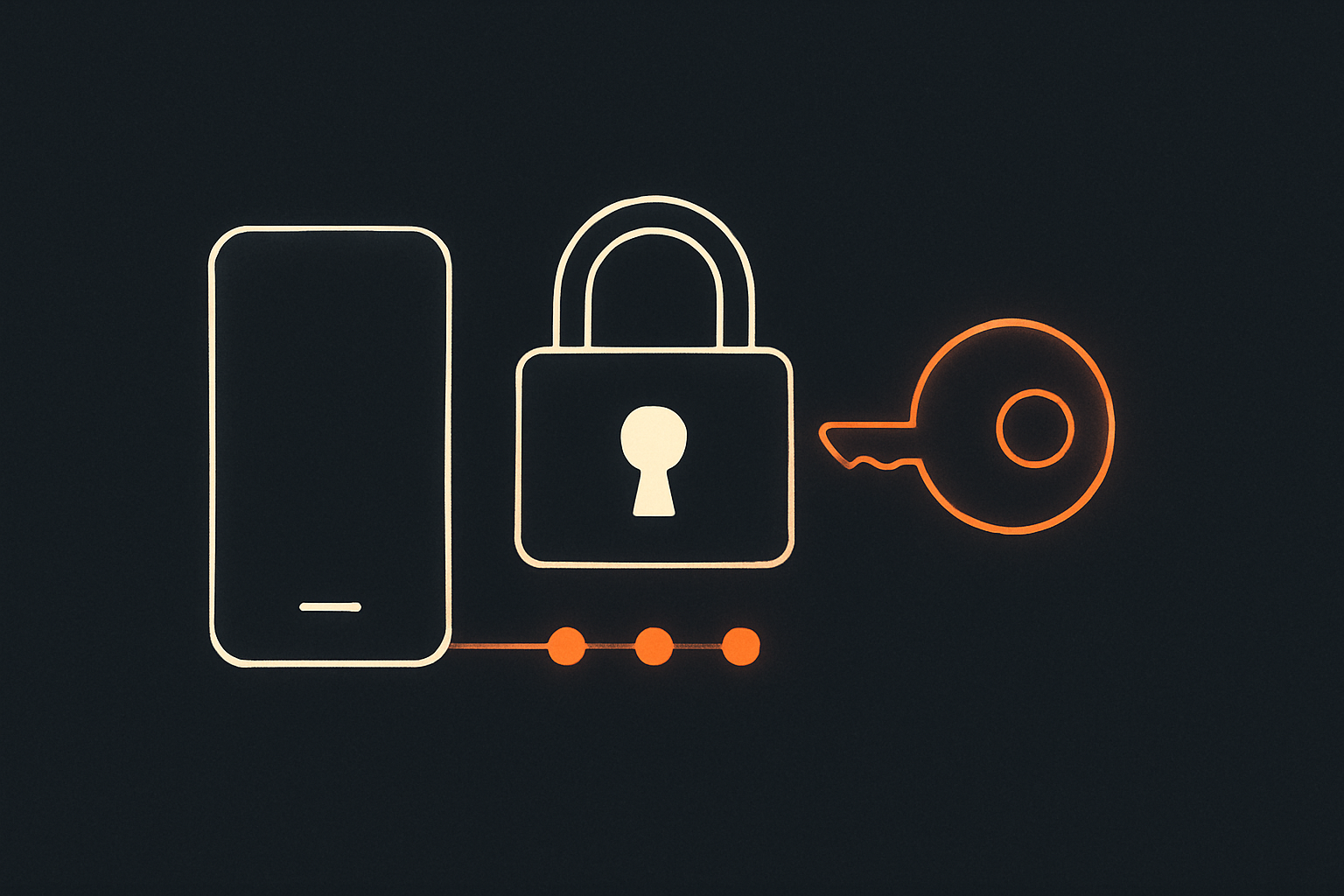
Passkeys are a new way to log in online that replace passwords with a more secure and easier-to-use method based on cryptographic keys stored on your device.
It's often said that a passkey sends your fingerprint or face scan to the website—in fact, that check happens on your device, which sends proof that you unlocked it rather than sending the scan itself.
Passkeys aim to make online accounts safer by eliminating passwords, which can be stolen or guessed, reducing hacking risks and simplifying user experience across websites and apps.
Imagine instead of remembering a secret word to get into your clubhouse, you have a special magic key that only your clubhouse and you have, so no one else can sneak in.
More websites and apps are offering passkeys, so understanding how they work can help you choose a simpler, safer way to sign in. They also change what to do when you get a suspicious login link: use the app or website directly instead.
Suppose you create a passkey for a bookstore website: your device creates a secret key and a matching check key, while the bookstore keeps only the check key. Later, the bookstore sends your device a fresh challenge, you unlock the device, and it uses the secret key to answer that challenge. The bookstore verifies the answer with its check key and signs you in without receiving the secret key.
Your device confirms it’s you
You usually unlock a passkey with the same fingerprint, face scan, or PIN you already use to open your phone or computer.
Each account gets its own key
A passkey made for one website cannot be used to sign in to a different one, which helps limit the damage from fake websites.
You still need account recovery
Keeping your device access and recovery options up to date matters, because you may need them if you lose or replace a device.